
Your idea.Content on your schedule.
Have a new offer or product? Give autopilot your idea, business accounts, and schedule. Onshrha prepares captions and visuals and publishes according to your settings while you focus on work.
Choose automatic publishing or review content first. You stay in control.I run a café and want to introduce our weekend coffee and dessert offer.
Weekends are better with coffee and something sweet ☕ Drop by and choose your favourite drink. Message us for details.
Caption and design readyThursday · 6:30 PM · Your selected accounts
One look. See how your business week is shaping up.
A Thursday offer, a customer question on Friday, and behind-the-scenes content on Saturday. See content, destinations, and dates in one calendar.
Explore the content calendarYour business week
Illustrative example · 20–26 September
Sunday , 20 September 2026
Monday , 21 September 2026
No posts for this day
Tuesday , 22 September 2026
Wednesday , 23 September 2026
No posts for this day
Thursday , 24 September 2026
Friday , 25 September 2026
Saturday , 26 September 2026
Have a finished post? Schedule it yourself.
A product photo, offer, or quick update? Add the caption and image, choose business accounts, and set the time. Manual scheduling works alongside autopilot.
- Use your own images and writing
- Publish now or choose a day and time
- Check destinations and timing before confirming

Weekends are better with coffee and something sweet ☕ Drop by and choose your favourite drink. Message us for offer details.
Why choose Onshrha for a small business?
Running a business, serving customers, and preparing orders take time. Onshrha brings AI content preparation, scheduling, and a calendar together to help organize your presence even when you handle marketing yourself.
AI content creation for products and services
Turn the details of your shop, café, or service into useful content. Start with a product or offer, audience, and tone, and let autopilot prepare drafts according to your campaign settings.
- Post ideas from products and everyday customer questions.
- Use your business photos or generate images.
Social scheduling without daily preparation
A busy day does not have to delay every post. Choose accounts, days, and times, and enable autopilot according to your settings. Schedule prepared posts manually or publish immediately when needed.
- A schedule that fits offers and business hours.
- Manual scheduling alongside automatic publishing.
A content calendar for your small business
Keep offers and occasions in a clear calendar instead of in your head. See what is scheduled, where, and when, and balance product introductions, answers, and promotions.
- An overview of the week’s posts and times.
- Organize products and offers before work gets busy.
Social accounts together in one place
Running more than one channel should not mean repeating every preparation step. Connect supported business accounts and choose destinations per post or campaign in one workspace.
- Choose publishing accounts per post or campaign.
- Start where your customers are; you do not need every platform.
Content that reflects your business identity
Your voice is part of your customer relationship. Choose dialect, tone, and visual style, and supply product facts, prices, and offer conditions. Review and edit drafts before publishing.
- Choose a tone that feels natural to your audience.
- Use real product details rather than general claims.
Publishing control for a business owner
Saving time does not mean giving up review. Prepare drafts for approval or enable automatic publishing. Change settings or pause a campaign when needed; generation depends on available credits.
- Review captions, images, and offer details before approval.
- Choose review-first or automatic publishing.
Practical ideas to help people discover your business.
Start with three guides: a weekly plan, ideas from customer questions, and content for each channel.
A practical weekly content plan for small businesses
Turn customer questions and business goals into a clear week of posts, without filling your calendar with content that serves no purpose.
Read the guide
Turn one customer question into social post ideas
A simple way to find educational, storytelling, and practical angles in one question, with an idea bank you can keep updating.
Read the guide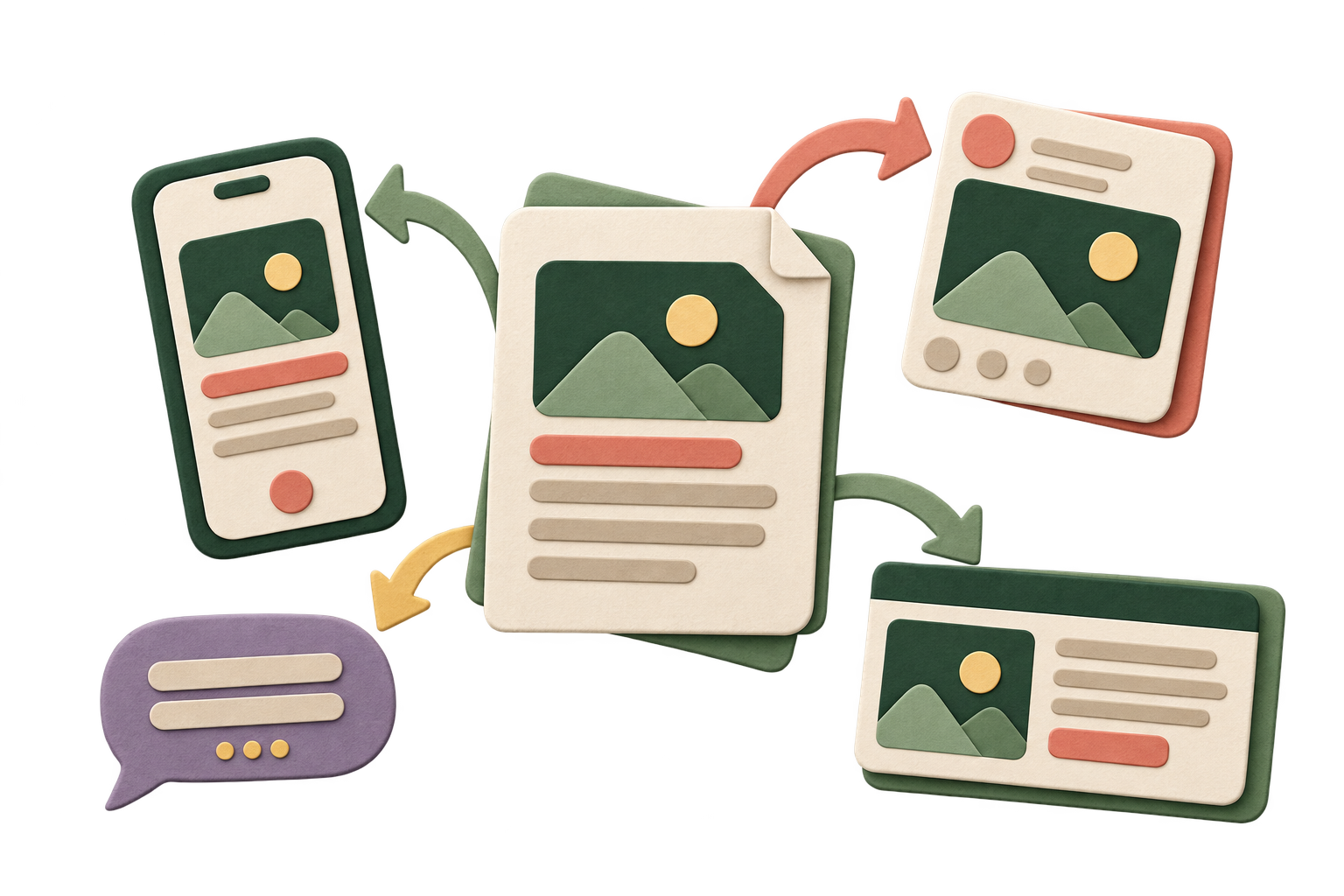
Content that fits Facebook, Instagram, Threads, and X
A practical guide to what should change between platforms and what must stay consistent to preserve your message and facts.
Read the guideSmall business questions
Yes. Prepare content, schedule, and follow results in one place. Start with one product or a simple campaign and expand when needed.
You choose. Review mode prepares drafts for your approval. Automatic mode prepares and publishes according to the selected accounts, times, settings, and available credits.
Yes. Add your caption and image, select accounts, and publish now or schedule. Generation is optional for every post.
No. Start with the channels your customers use and choose the right account and format for each post.